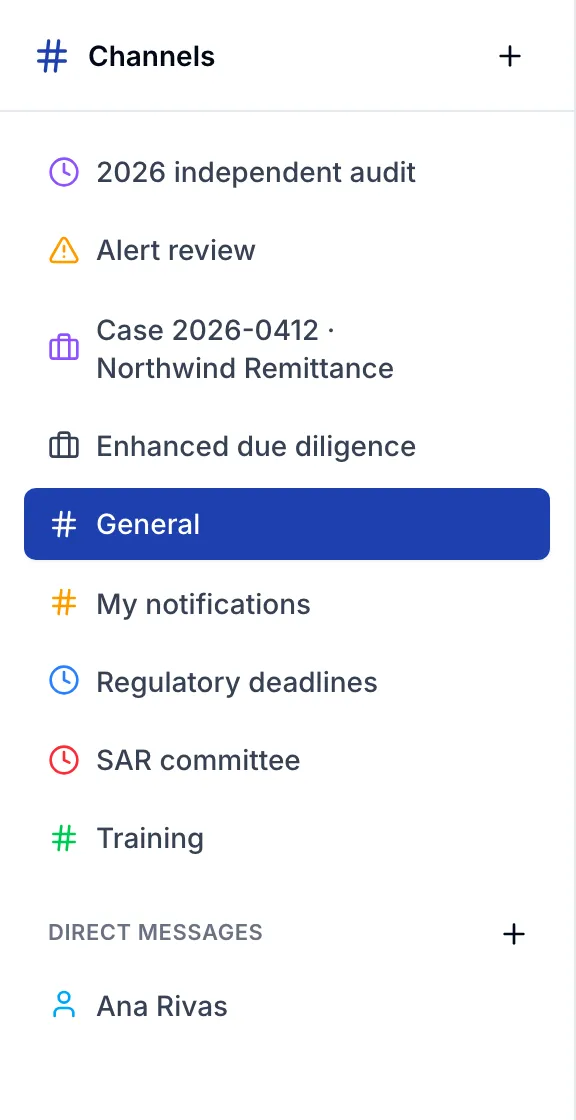
Channels for every kind of work
Team channels, restricted ones that even admins enter only with a reason, data rooms for guests, a room per case, and direct messages that only their people read.
Collaboration for compliance teams
Channels, tasks and notes for compliance work: the conversation, the decision and the record in one place, with the control a regulated team needs.
Part of the ARCA Compliance family.
How it works
By topic, by review or by team.
Members of the organization and guests from outside.
Messages, tasks, notes and files in one place, and the decision on record.
The product
Team channels, restricted ones that even admins enter only with a reason, data rooms for guests, a room per case, and direct messages that only their people read.
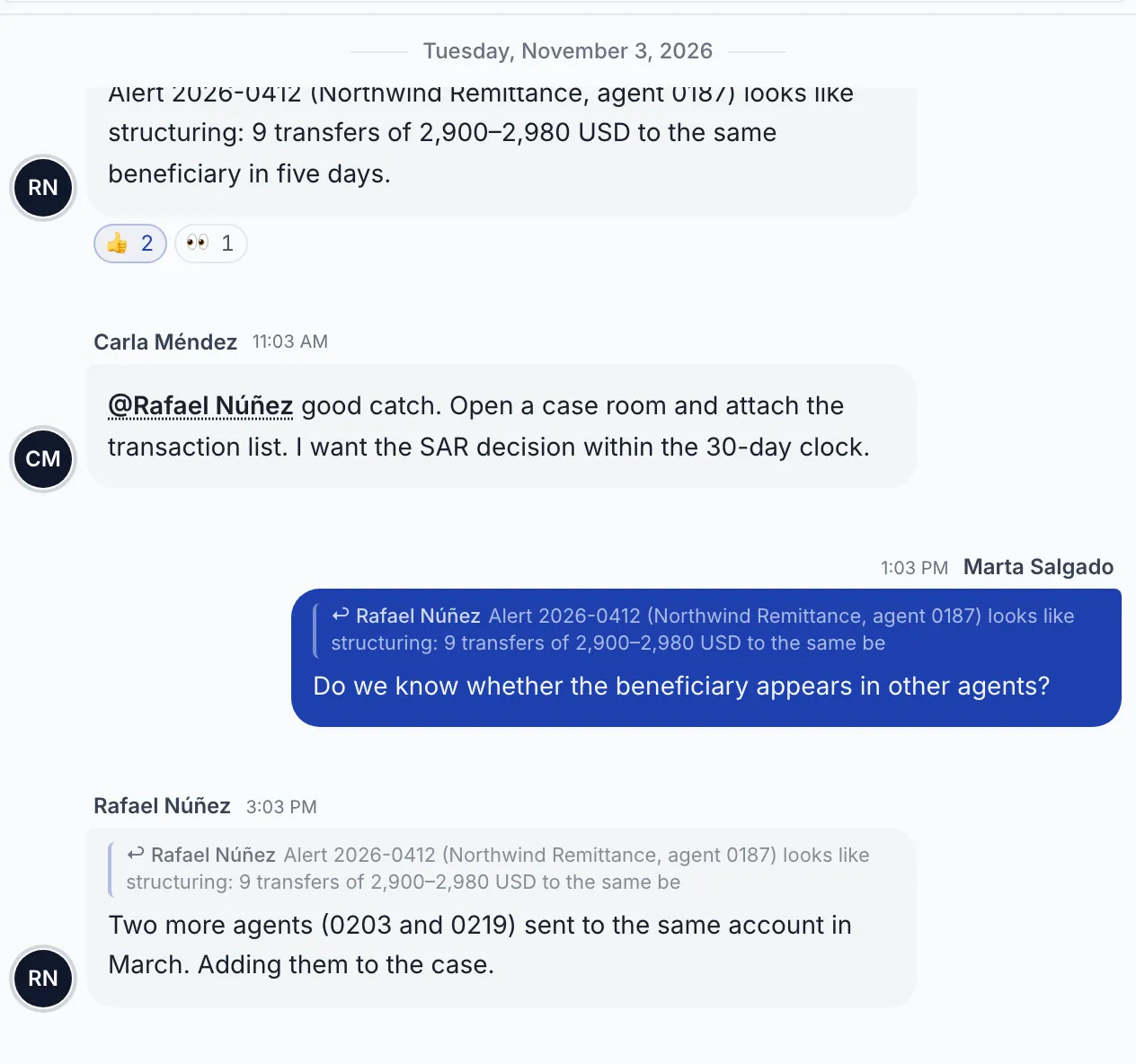
Keep the replies beside the message they answer, and mention the person who needs to act.
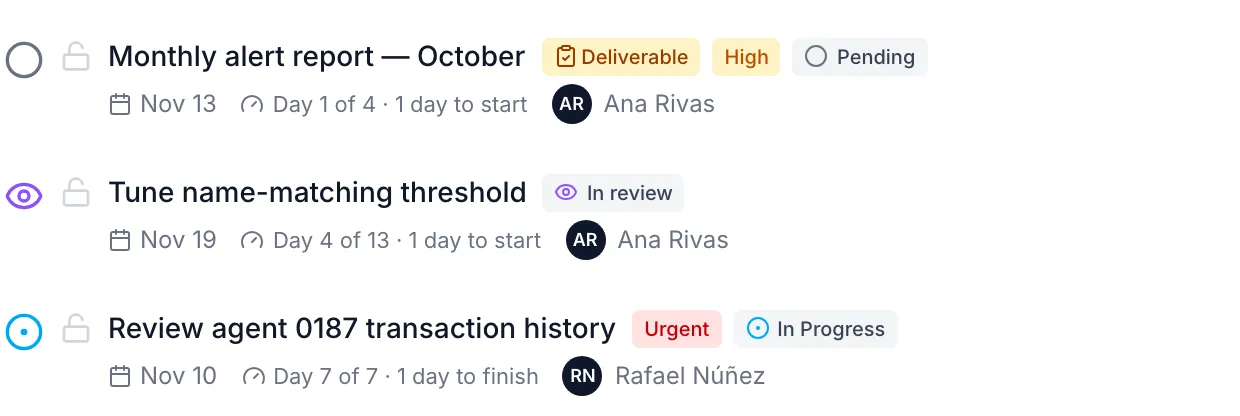
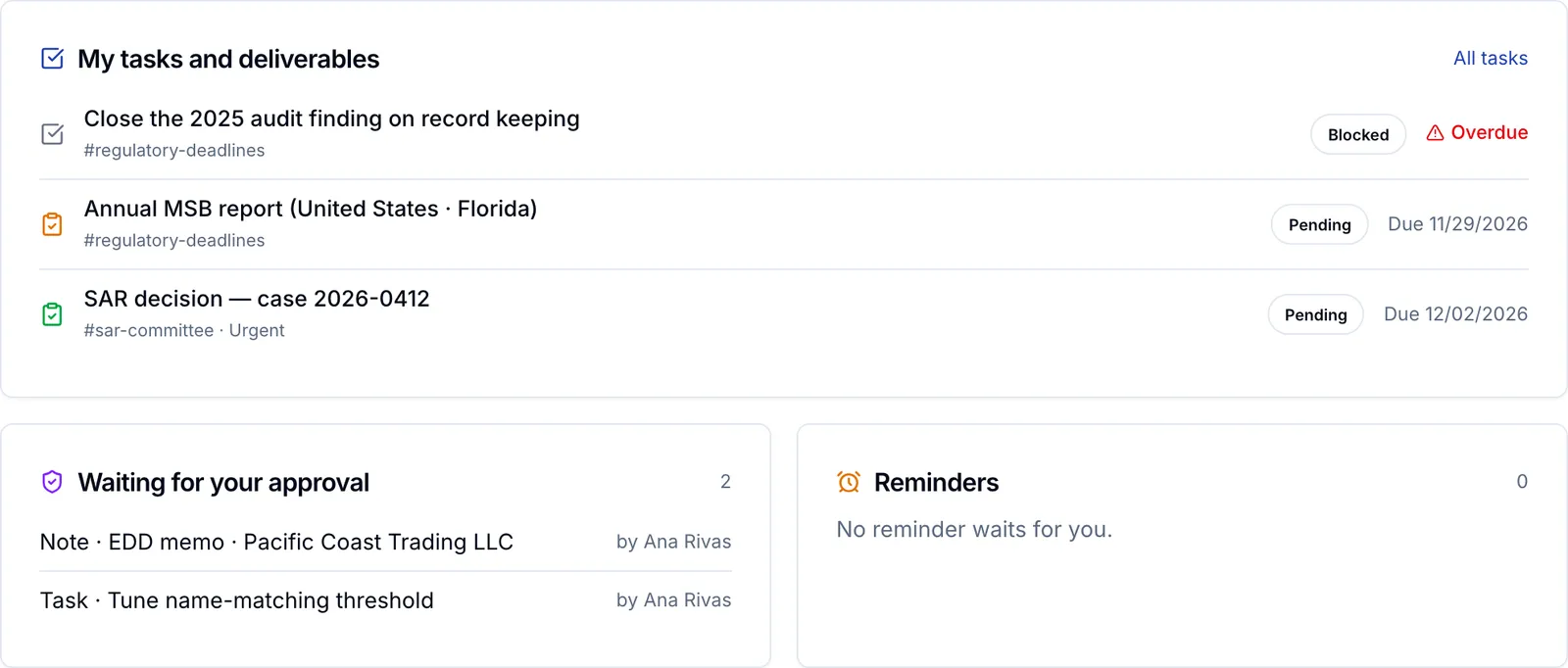
One task per piece of work, with an assignee, a due date and its service level. When the organization turns it on, another person approves before it closes.
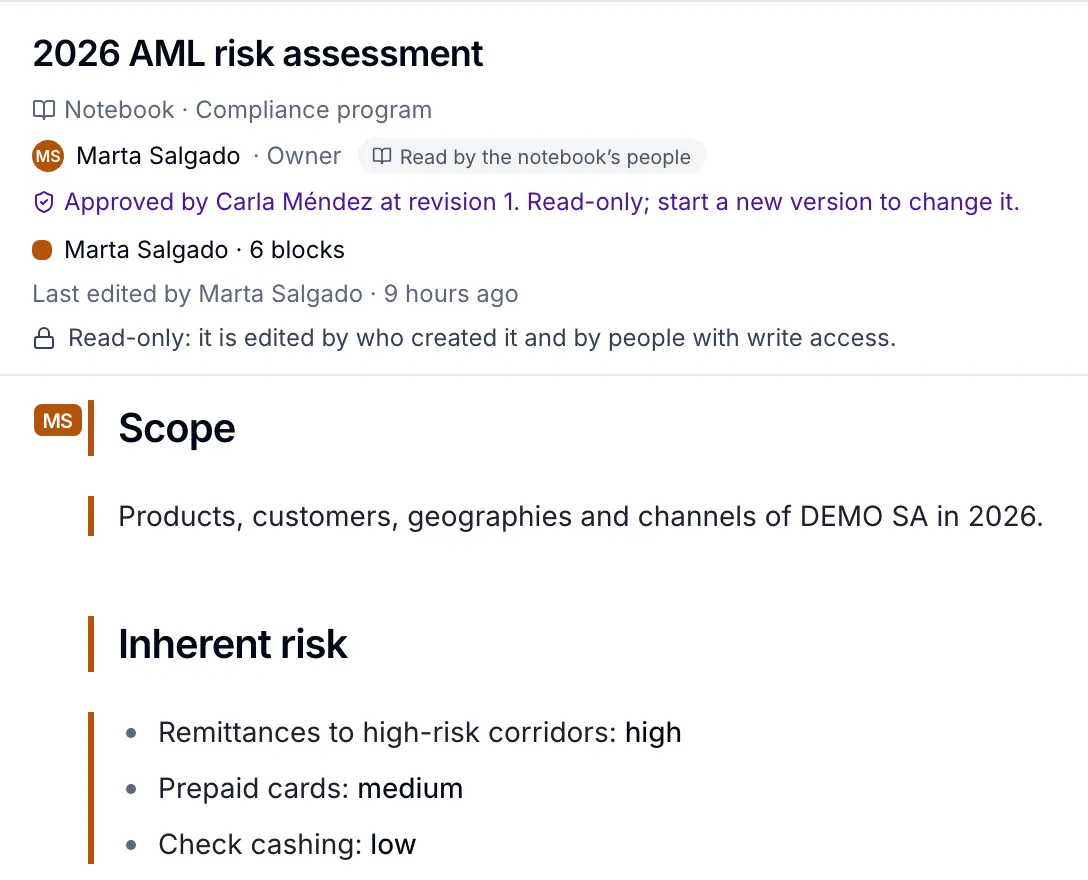
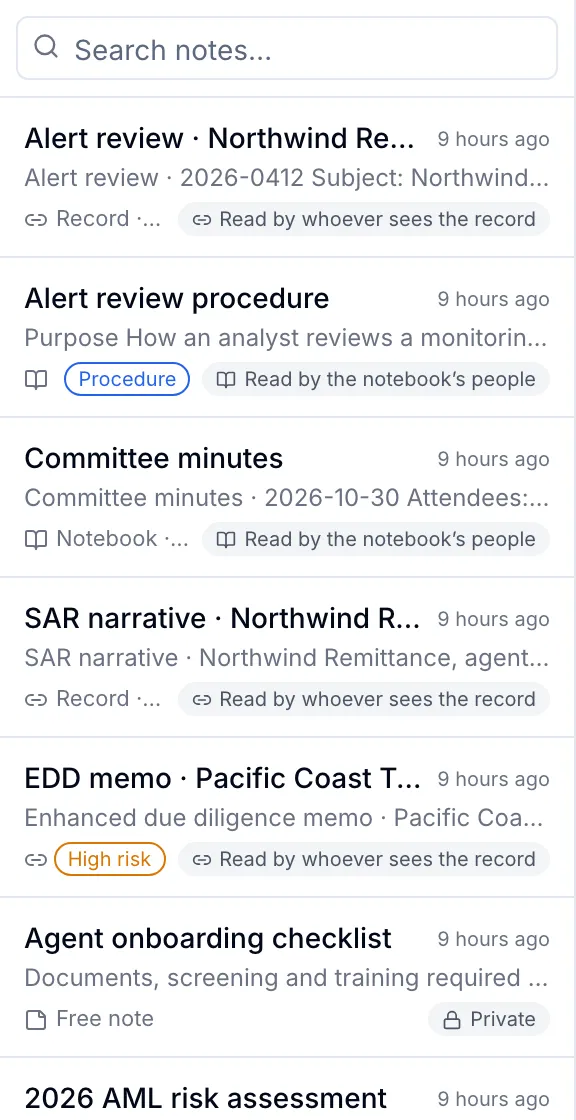
Write from a template, together, linked to a channel or a case; send it for approval, sign it, and keep every version.
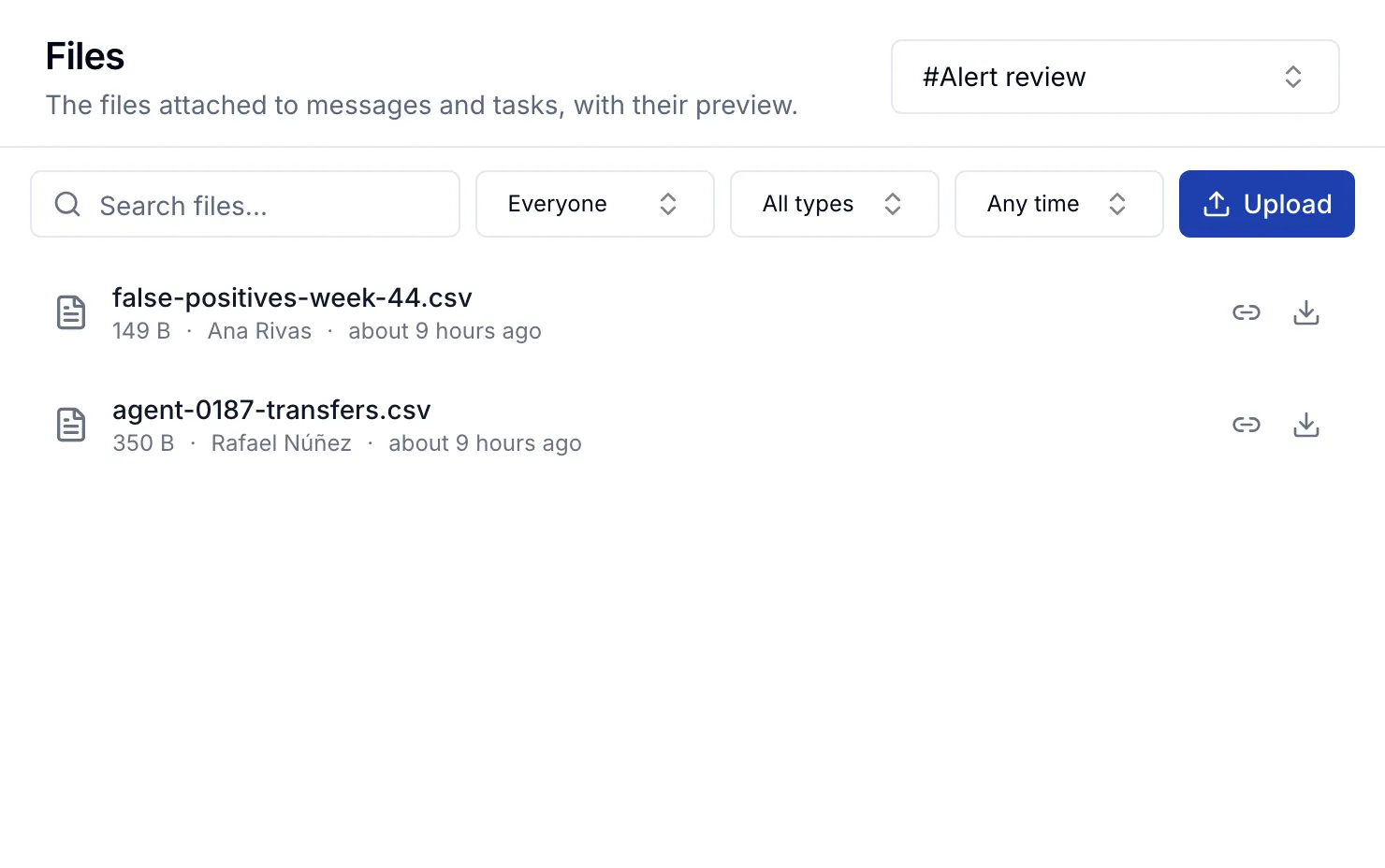
Attach a file to a message or a task and open it in the browser.
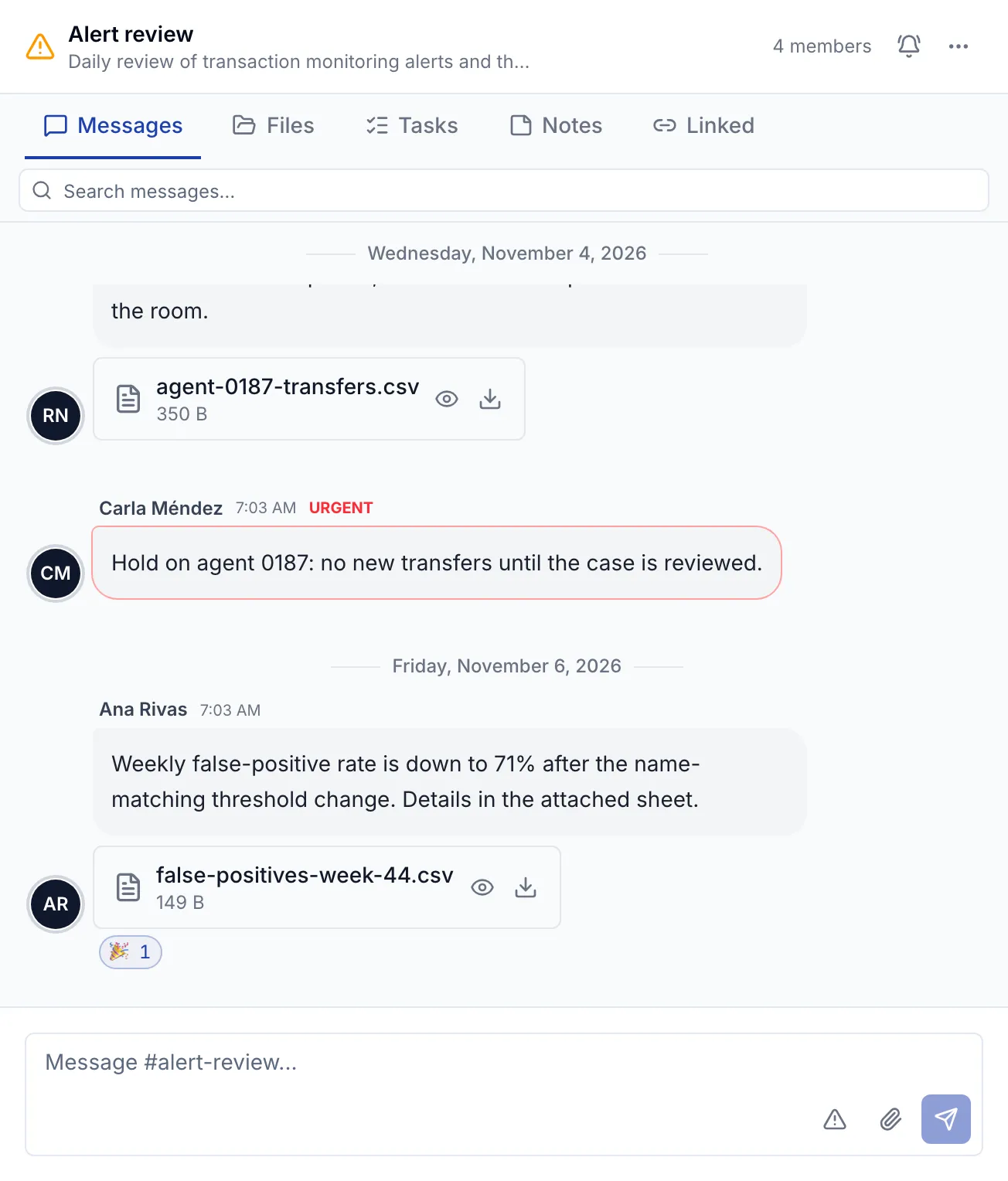
An admin marks a message urgent and it reaches every member who listens: in the channel, by e-mail, on their devices and in Slack or Teams — there, only that something arrived, never what it says.

Messages, threads and tasks side by side in the channel where they happened; and on Home, what is yours today: your tasks and what waits for your approval.
The messages of the channel, with who wrote them and when.
The threads where a question was settled, and the tasks and notes another person approved.
The channel's tasks, with their assignee, due date and state.
Control
What an examiner asks about, in the product itself.
Only their members read them. An admin outside opens one for a day by breaking the glass, with a reason the channel sees and the log keeps.
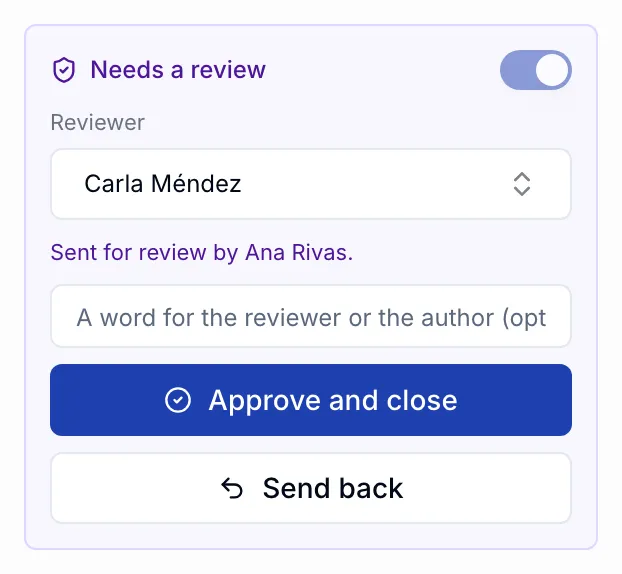
Off by default. Turn it on for notes, for tasks or both, and nobody approves their own work.
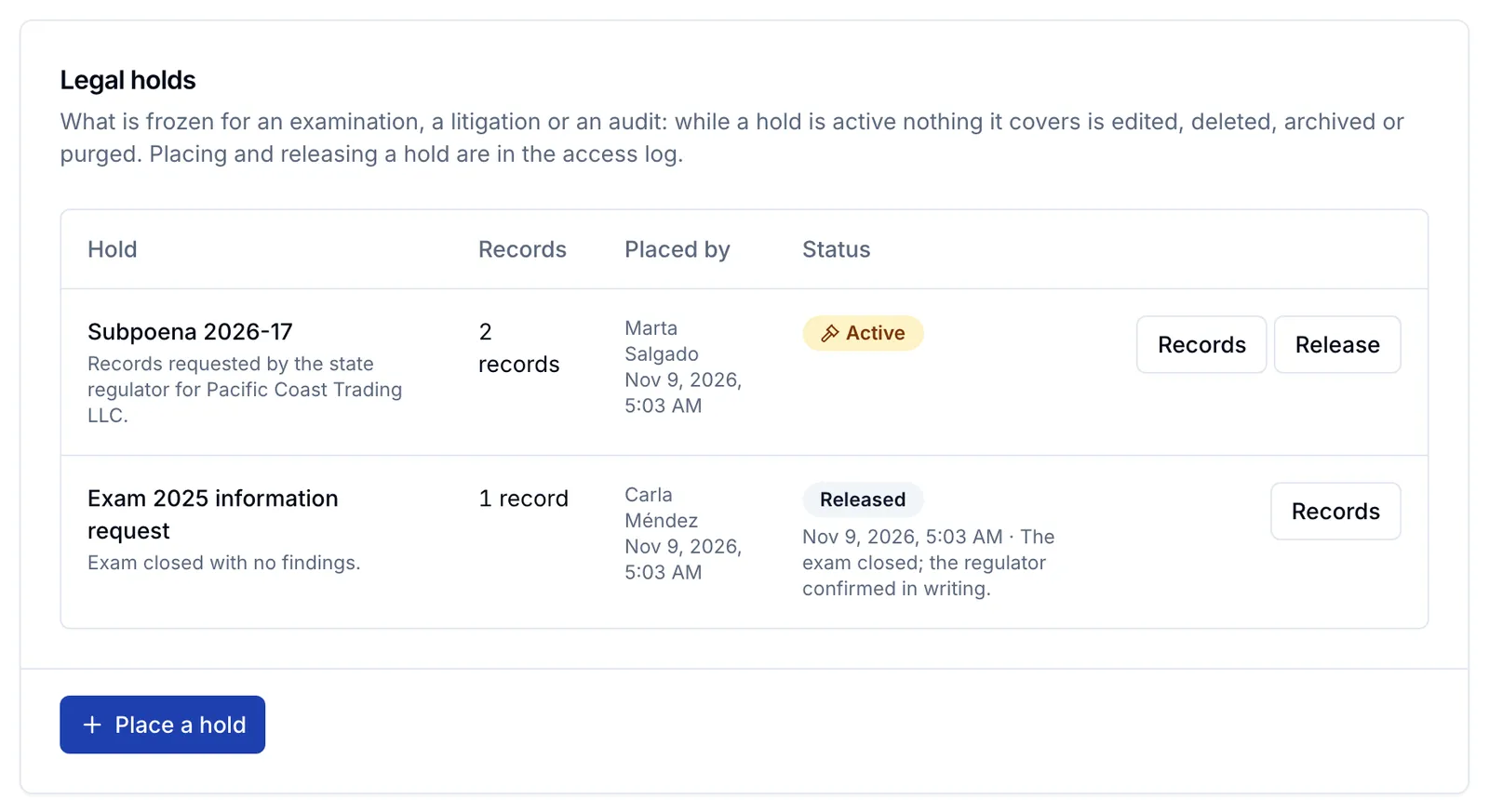
Hold a channel, a notebook, a note or a task so nothing of it is deleted, and build an evidence package of a channel with its record, files and access log.
Every membership and every shared note, listed for a compliance role to keep or remove, with each decision logged.
Card and account numbers, and whatever else the policy names, masked or blocked before a message is posted.
Who opened, exported, downloaded or changed what, filtered by person, action and dates.
Direct messages of 2 to 8 people that only they read, never an admin.
A restricted channel opens to an admin outside it for 24 hours, with a reason the channel sees.
Attachments of up to 100 MB, 10 per message, each encrypted with its own key.
Messages, notes and tasks kept at least 5 years; legal holds keep them longer.
Panel, notifications and user manual in English and Spanish.
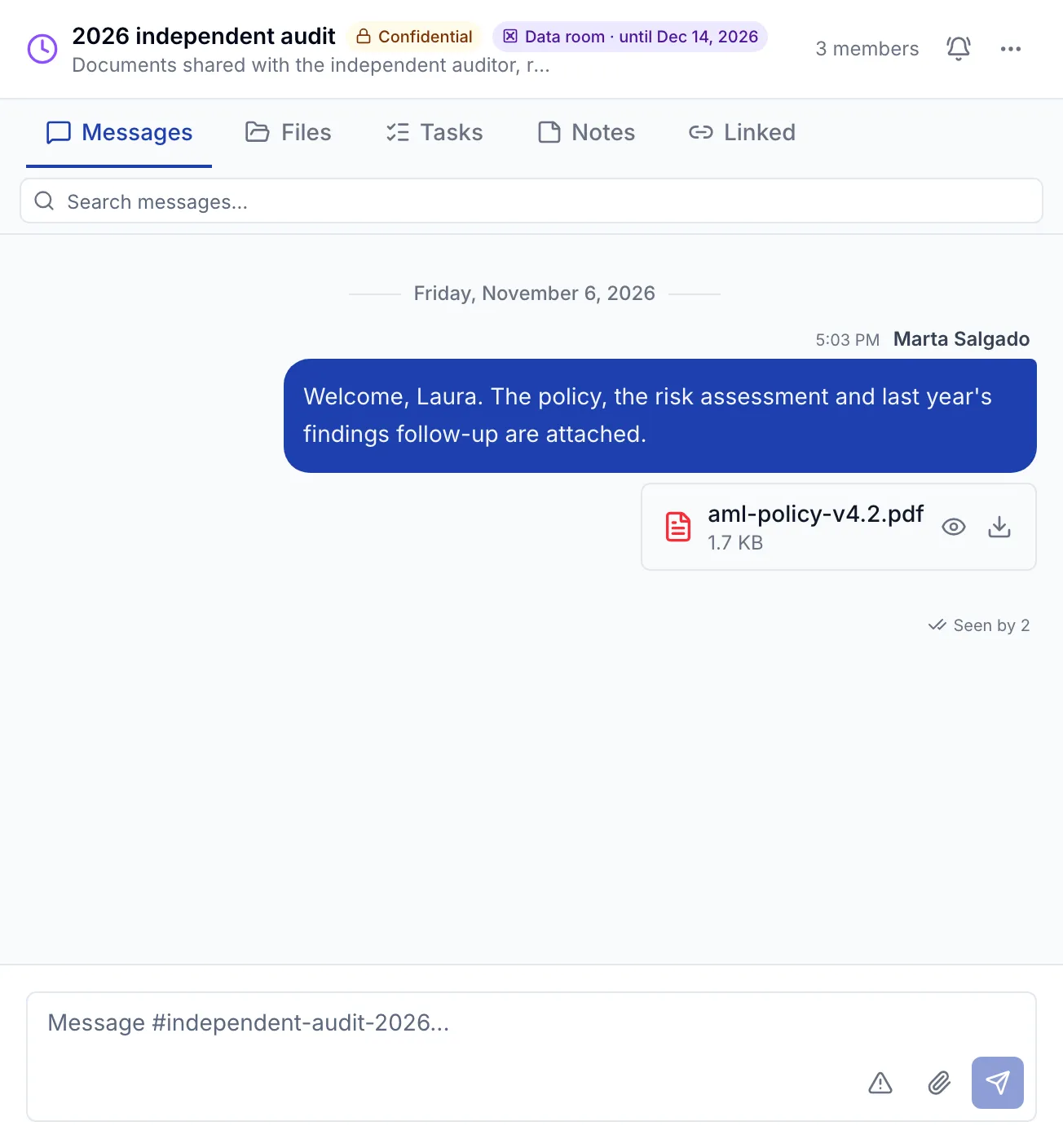
Not the organization’s other channels, its people or its settings, and never a restricted note.
From the e-mail domains you allow; no shared passwords, no anonymous links.
The room closes on its date; renew or remove a guest whenever you want, and what they wrote stays.
Who it is for
Decide, approve and sign, see every channel but the restricted ones, and answer an examiner with holds, access reviews and evidence.
Work alerts and cases in their own rooms, with the tasks, notes and files of each review in one place.
Follow deadlines, deliverables and urgent notices without hunting through e-mail threads.
Invited to a data room until a closing date, from the domains you allow, and nowhere else.
Built for your team
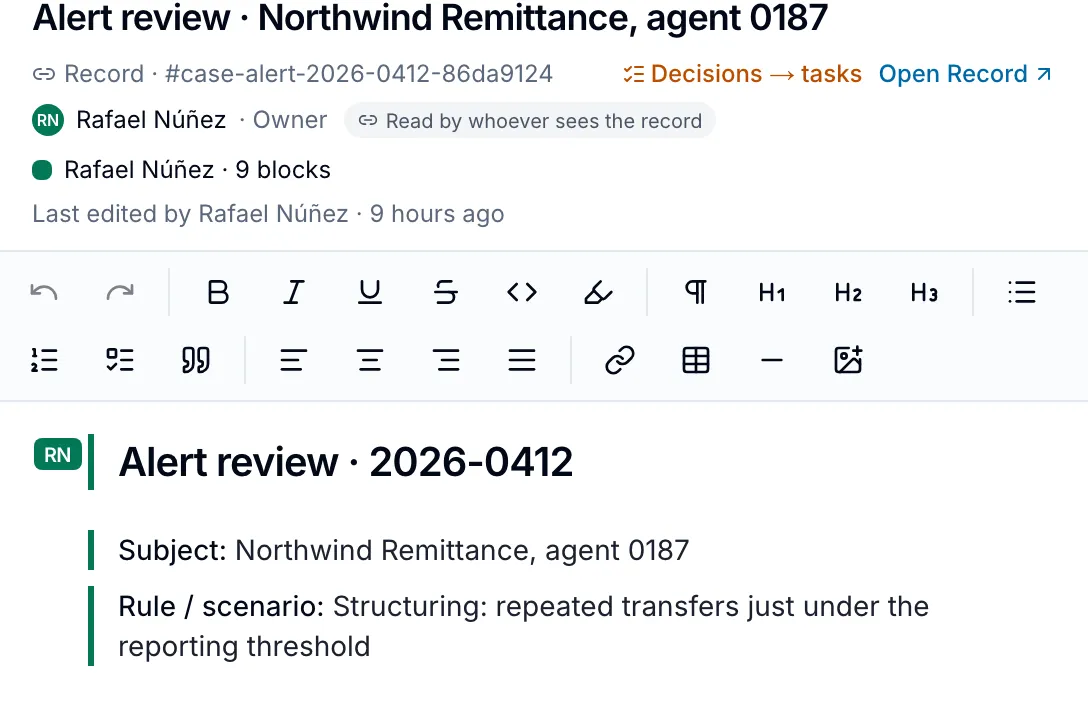
A room per case, with its investigators, the review note and the decision on record.
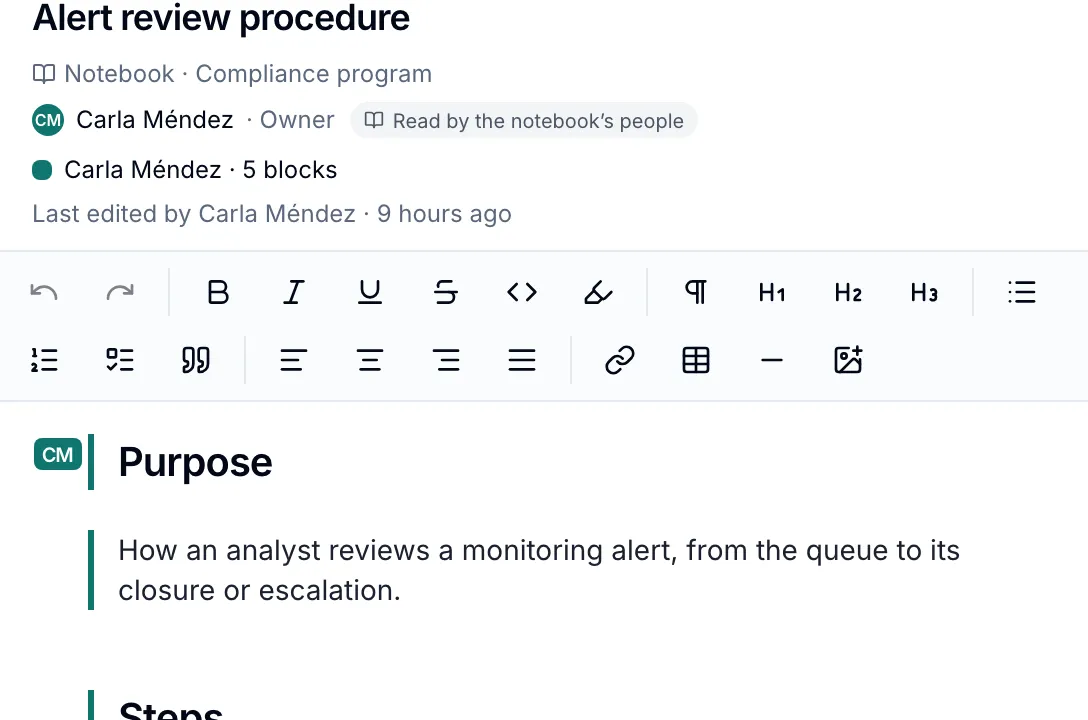
Notes from templates, versioned, approved by another person and signed.
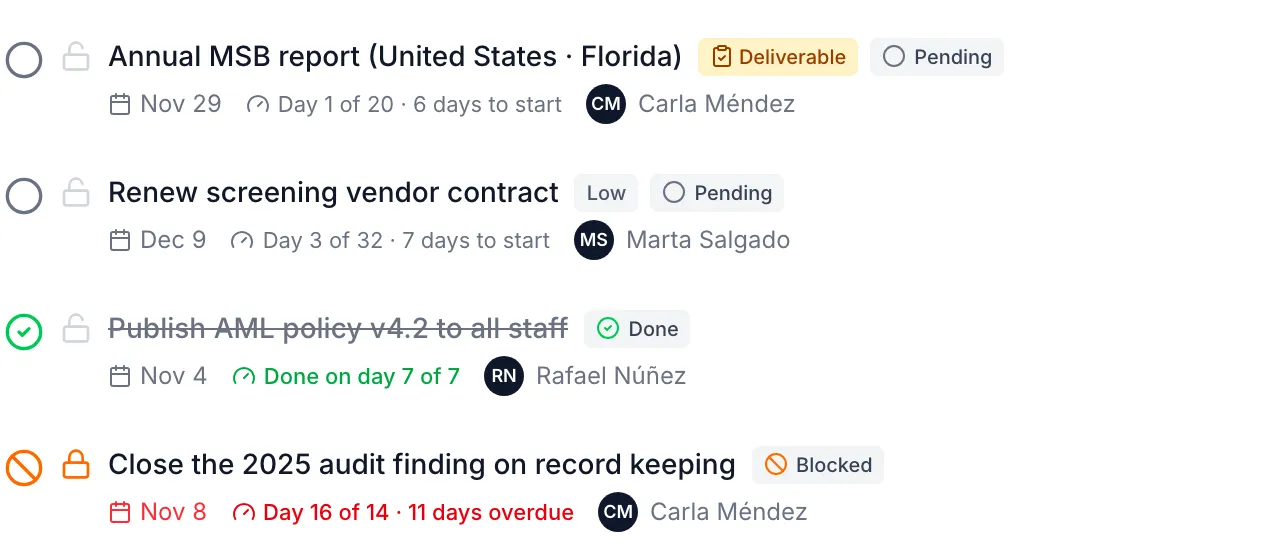
Deliverables from the regulatory calendar, with an owner, a due date and their evidence.
Pricing
Plans by the members and external guests of your organization, the messages of a month, the notes and the storage.
ARCA TAG is where the team works together. Transaction monitoring (ARCA Monitor), screening (ARCA Sanctions), enhanced due diligence (ARCA Diligence), CTR and SAR filing (ARCA Filing) and the document vault (ARCA Vault) are separate products of the ARCA family.
Explore a more focused way to collaborate on compliance work.